Browse our latest blog articles

 Yassine BEN YOUNES
 Tinkerview : The Nearshore Advantage. High-End Software Outsourcing from Djerba.
Scale your tech team with Tinkerview. We provide high-end nearshore software outsourcing from Djerba. Top 5% Tunisian developers, zero time-zone gap, and clean code.

 Mohamed amine ZIRAOUI
Own Your Codebase or It Will Own You
This post challenges the "AI or die" mentality that's gripping the tech industry. While companies race to adopt AI coding tools in fear of being left behind, they're unknowingly accumulating "slop code", technically functional but fundamentally unmaintainable codebases that look clean in isolation but crumble under the weight of real-world complexity.
 Yassine BEN YOUNES
 IT Outsourcing in Tunisia: Accelerate Growth with High-Quality Digital Solutions
IT outsourcing in Tunisia: access top tech talent with agility and quality. Tinkerview supports startups and enterprises with confidence.
 Amine BEN YEDDER
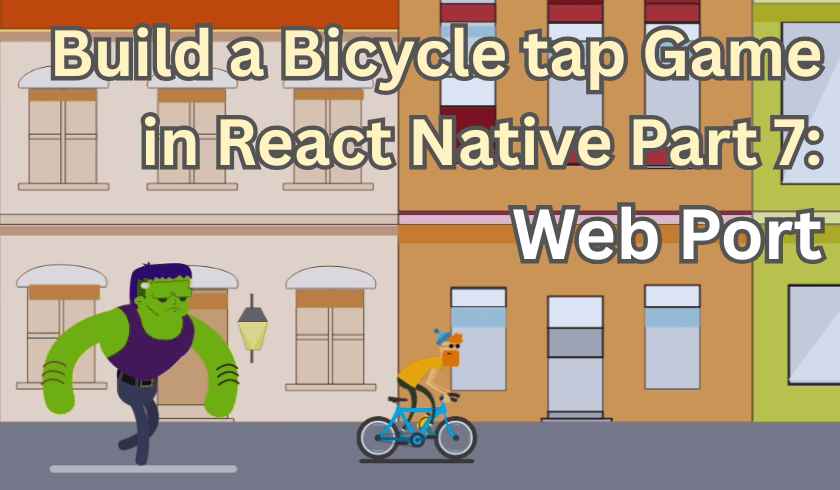
Build a Bicycle tap Game in React Native Part 7: Web Port
This section focuses on porting the game to the web while preserving the exact architecture and gameplay behavior established in the mobile version. It walks through enabling React Native Web support, configuring Expo for web builds, and validating the full navigation flow from menu to dynamic levels inside the browser. The section then dives into fixing responsiveness issues specific to desktop environments by improving SVG background rendering, reacting to window resizes, and introducing a normalized scaling system to keep UI and gameplay proportions consistent across screen sizes. Finally, it covers adding a robust web input layer with keyboard shortcuts and click-based controls, ensuring the game feels native in the browser while remaining state-driven, predictable, and fully decoupled from the core game loop.
 Amine BEN YEDDER
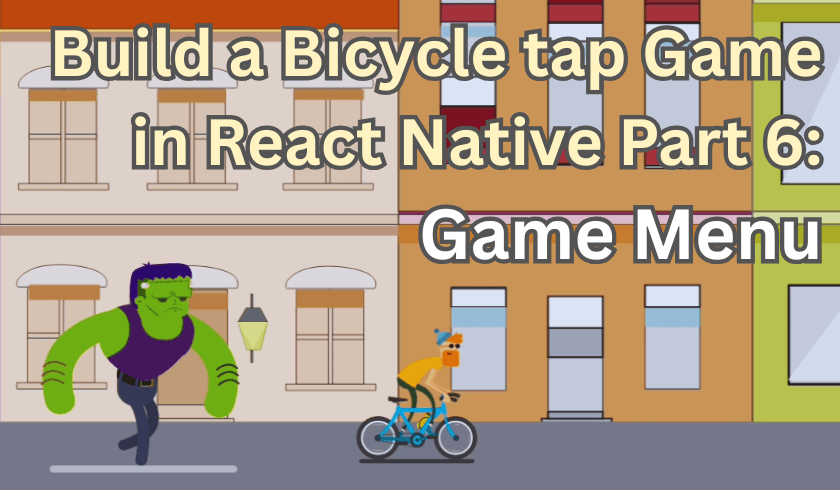
Build a Bicycle tap Game in React Native Part 6: Game Menu
This section focuses on building the game menu as the final layer of the experience, turning the project into a complete, playable game. It explains how to create a lightweight, visually consistent entry screen that does not start the simulation prematurely, while cleanly transitioning into level selection and gameplay using Expo Router and declarative navigation. The approach keeps UI concerns separate from the game engine, ensures fast startup with no unnecessary UI-thread work, and establishes a scalable structure with a start menu, dynamic level configuration, and safe navigation controls that feel like a real game rather than a prototype.
 Amine BEN YEDDER
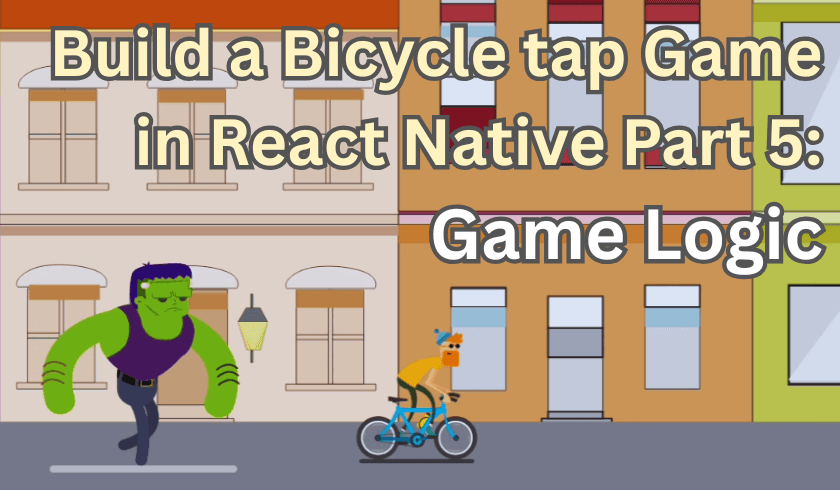
Build a Bicycle tap Game in React Native Part 5: Game Logic
This section explains how game logic is structured using a centralized state machine to control when the simulation runs, pauses, and ends. It covers introducing explicit game states to prevent automatic start, gating frame-based updates through state checks, and synchronizing animations with gameplay transitions. It also details how pause, win, and lose conditions are detected in world space and handled consistently through state changes. The focus is on keeping all gameplay rules in one place, allowing the UI to simply reflect the current state while the frame loop drives progression.